 Temp Mail
 is installed
Pin Temp Mail to your toolbar
Then your disposable email address is always one click away.
Click the puzzle icon
Click the pin next to Temp Mail
Temp Mail is ready
Get a disposable email in one click
-
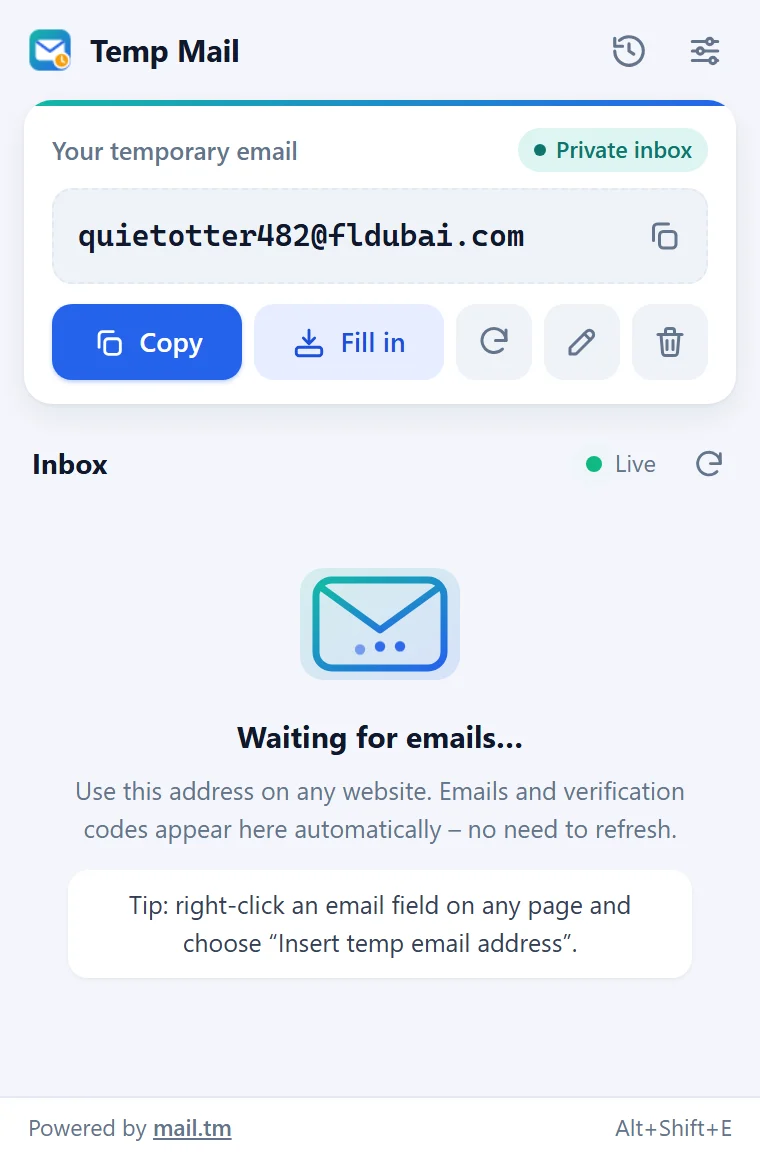
Click the Temp Mail icon
Or press Alt+Shift+M. A new address is already waiting for you.
-
Copy the address or click Fill in
Paste it into any sign-up form. On a page, you can also right-click an email field and choose Insert temp email address, or press Alt+Shift+E.
-
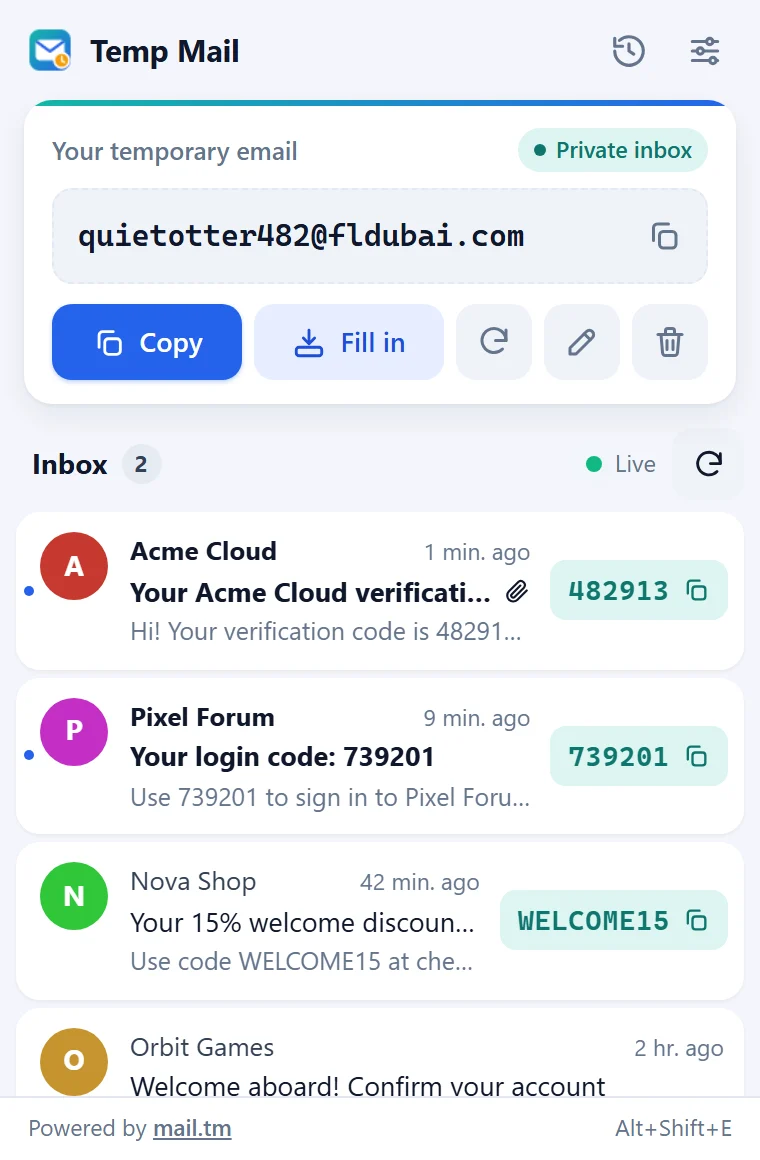
Emails arrive by themselves
The verification code is shown right in the list. One click copies it.


Use temporary addresses for sign-ups and trials, not for banking or important accounts: an expired address cannot be restored.